
Alok Menghrajani
Currently: security consulting and lecturer.
Previously: security engineering at Square Block. Co-author of Hack (the programming language) and put the 's' in https at Facebook Meta. Maker of various CTF puzzles.
This blog does not use any tracking cookies and does not serve any ads. Enjoy your anonymity; I have no idea who you are, where you came from, and where you are headed to. Keep the dream of an Internet from times past alive.
Home | Contact me | Github | RSS feed | Consulting services | Tools & games
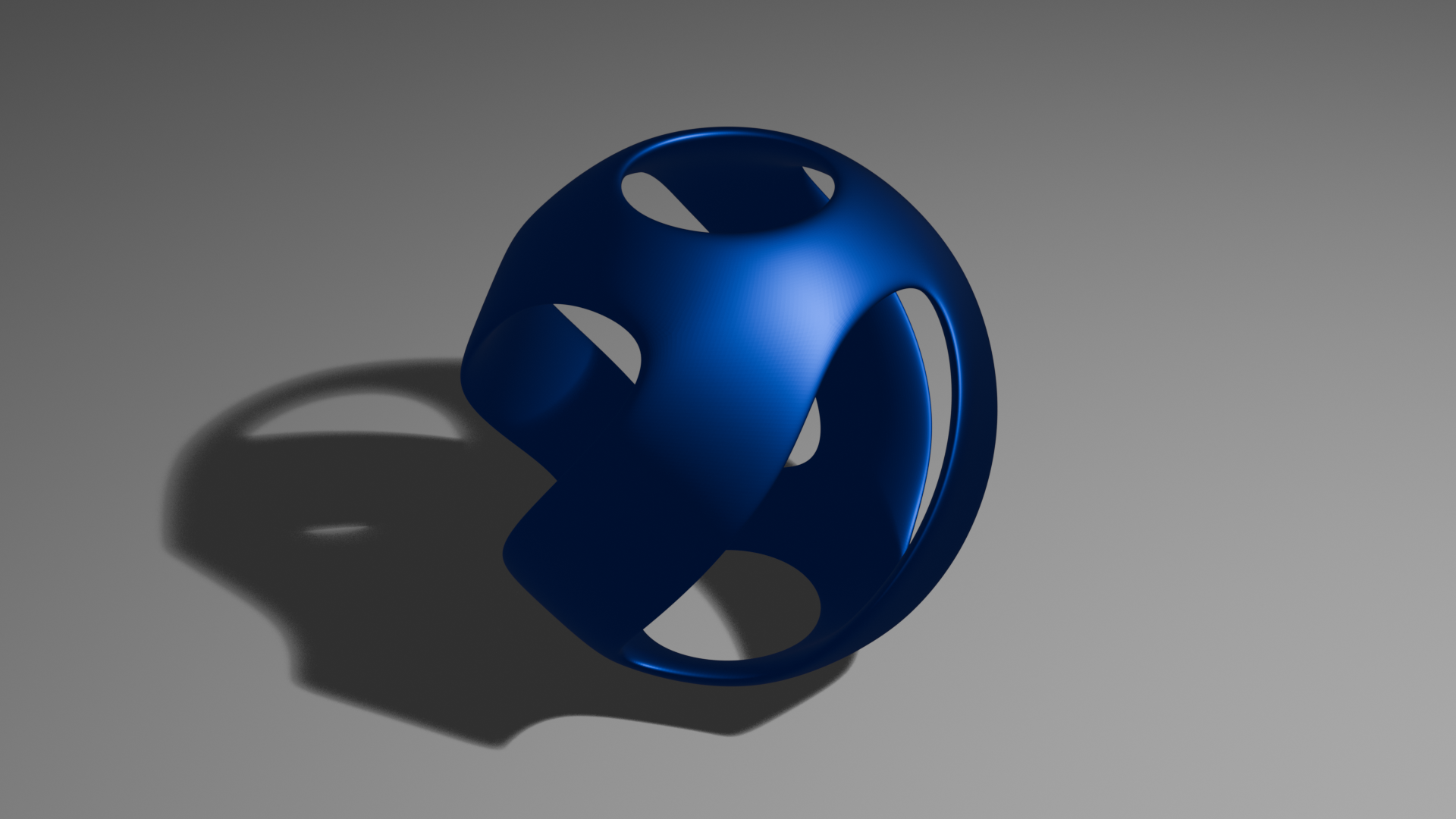
I first learned about Sphere Spirals back in 2002 via a POV-Ray Hall Of Fame entry by Tor Olav Kristensen. The entry points to a nice mathematical write-up of the underlying idea. (source code for the original work)
In this post, I’ll show one way to build a similar object in Blender. Blender is a free, open source, 3D modeling software that runs on most platforms. My approach isn’t mathematically exact, but visually it’s very similar.
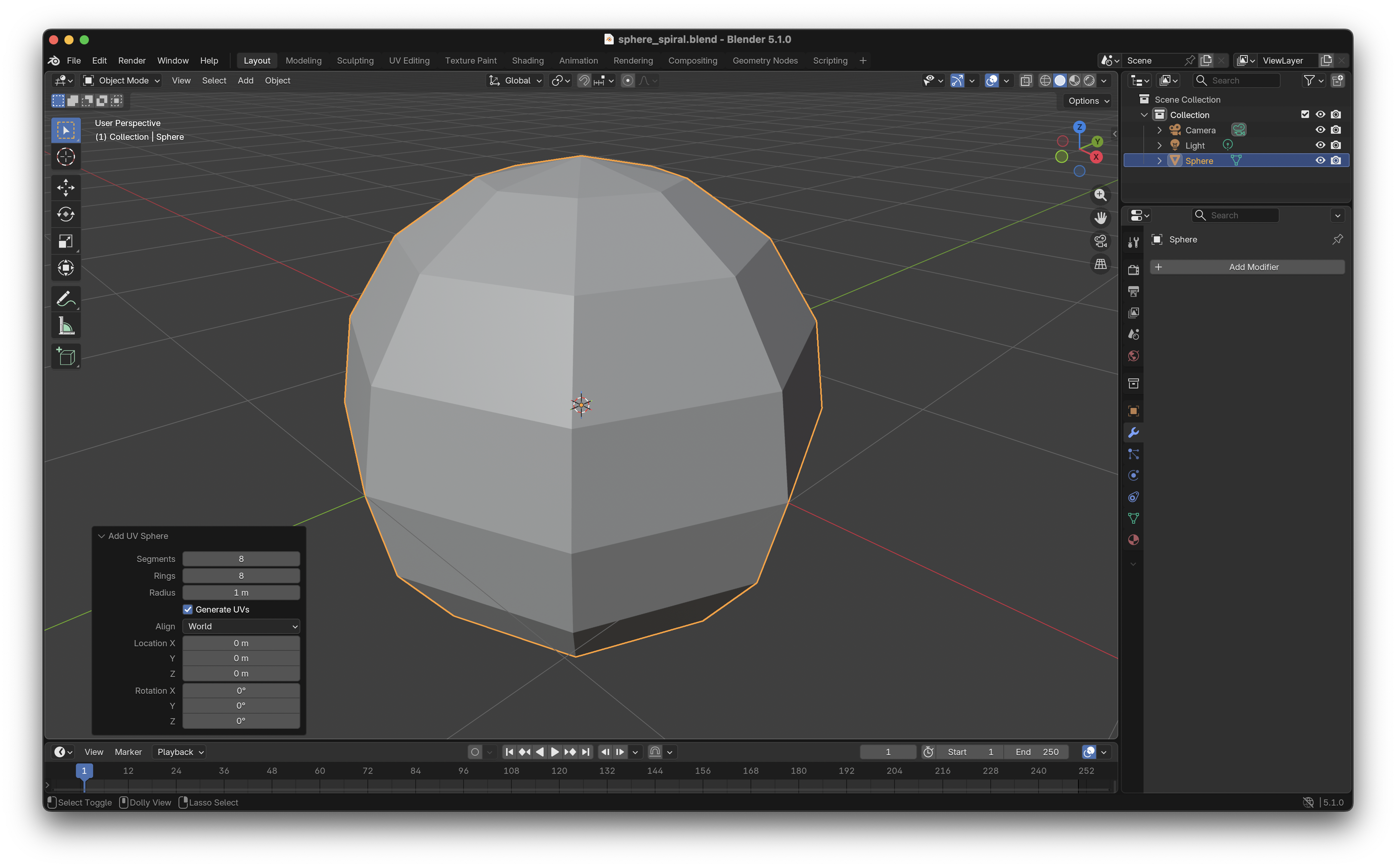
Step 1. Start with a UV Sphere. 8 segments. 8 rings. 1m radius (you can use other units if you prefer).
* * *
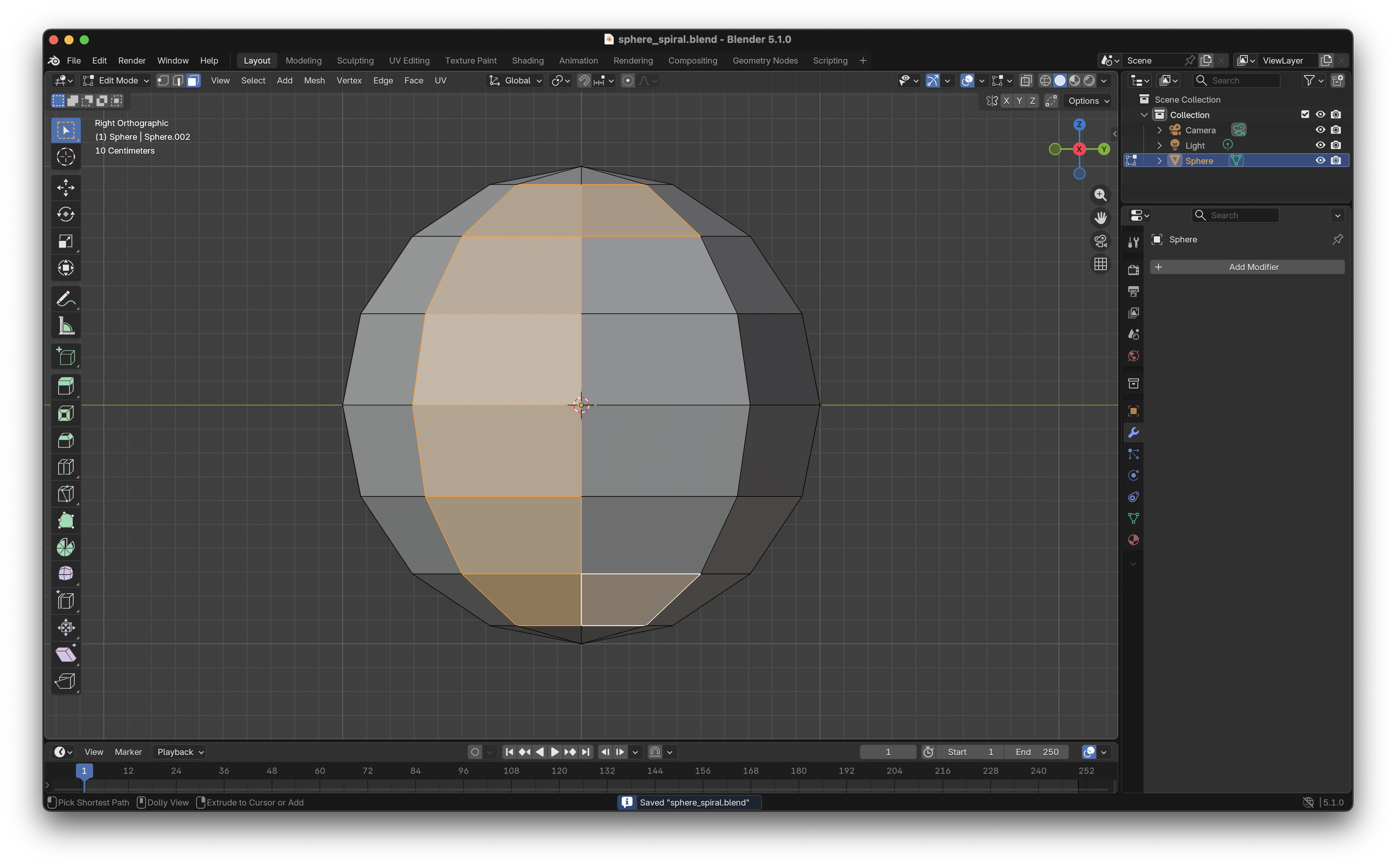
Step 2. Enter object edit mode and select the faces to keep. I like to remove the top and bottom faces to cut a hole at each pole. You can experiment by keeping or removing different sets of faces.
* * *
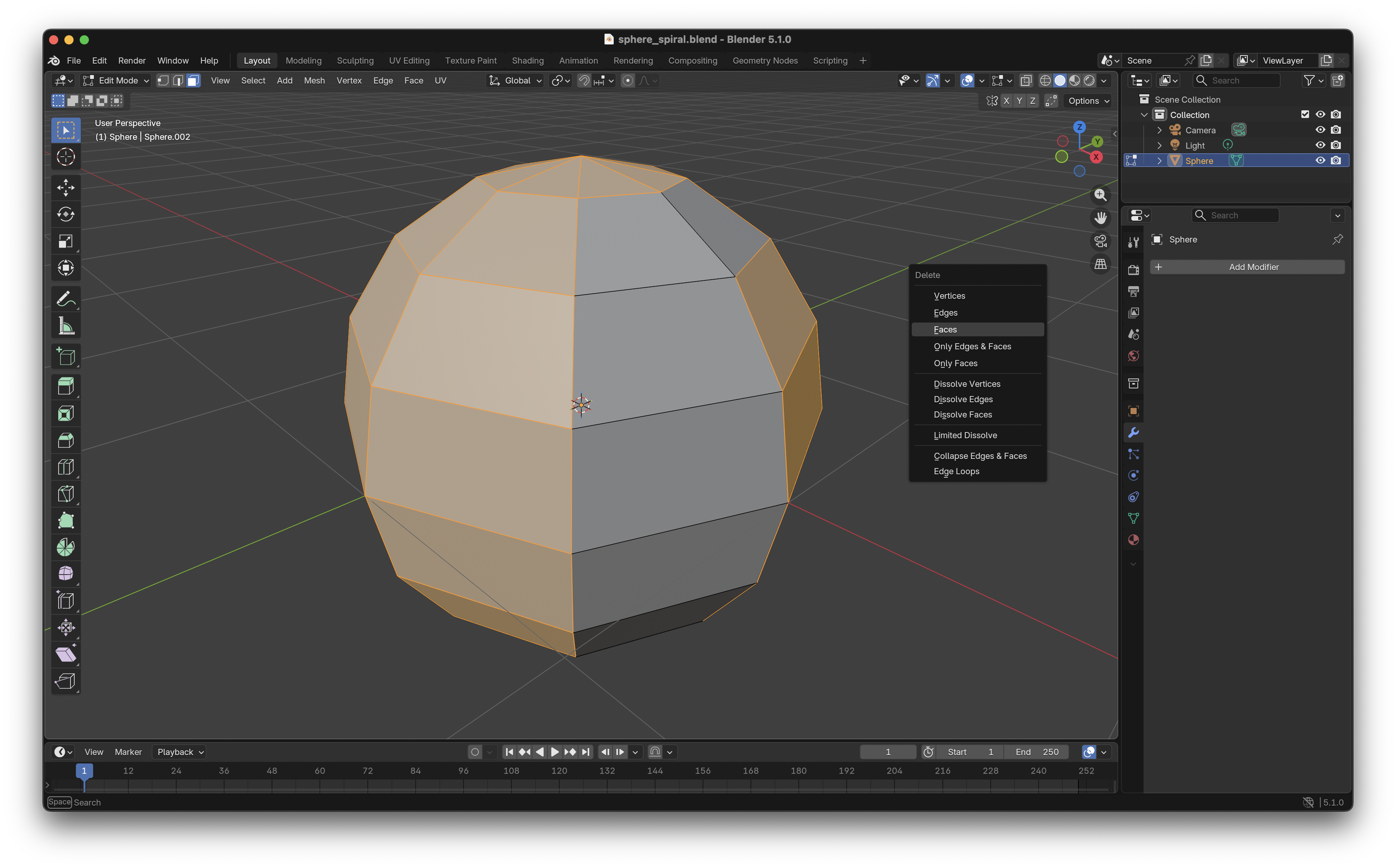
Step 3. Invert the selection.
* * *
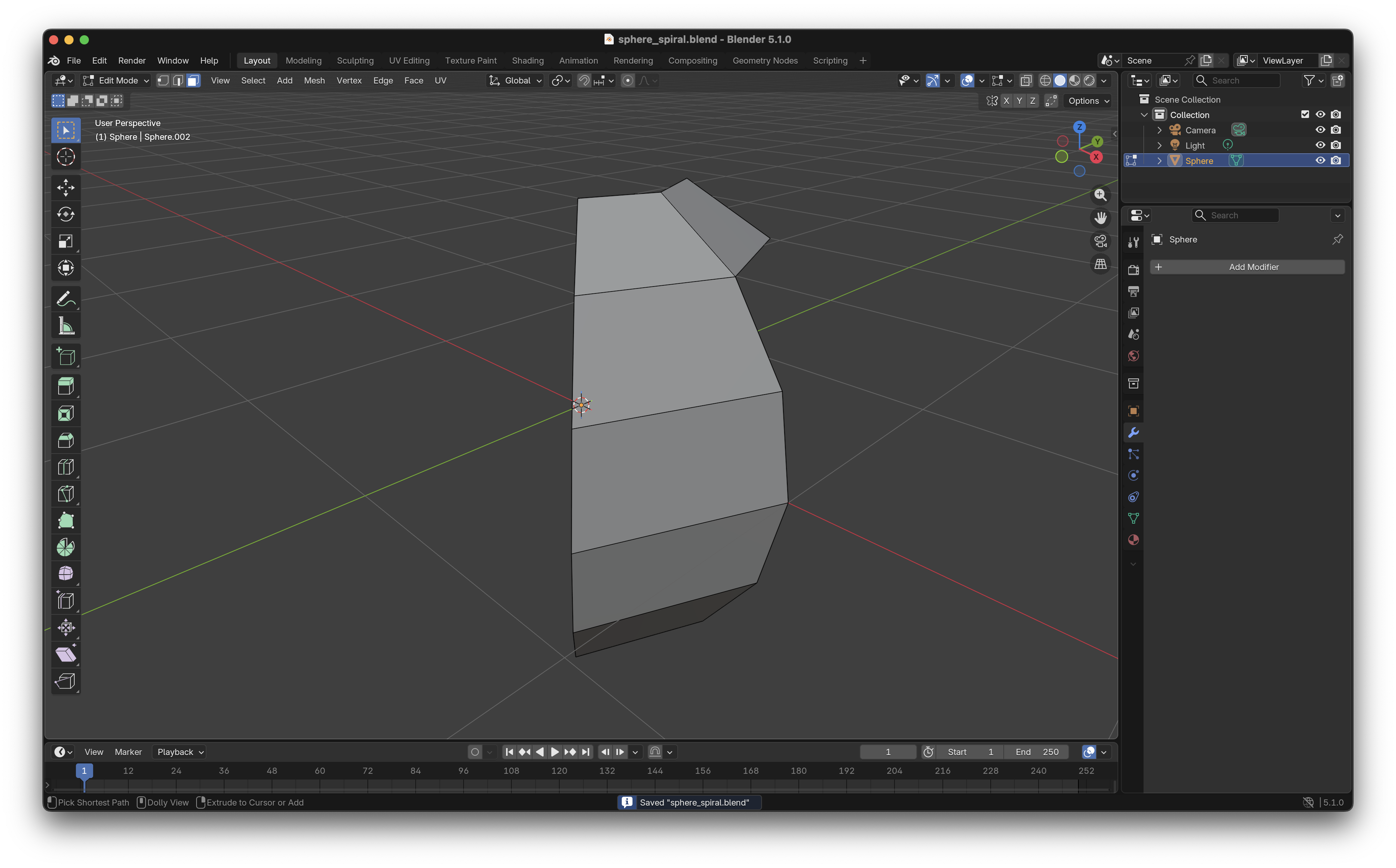
Step 4. Delete the faces. We are now left with a single band.
* * *
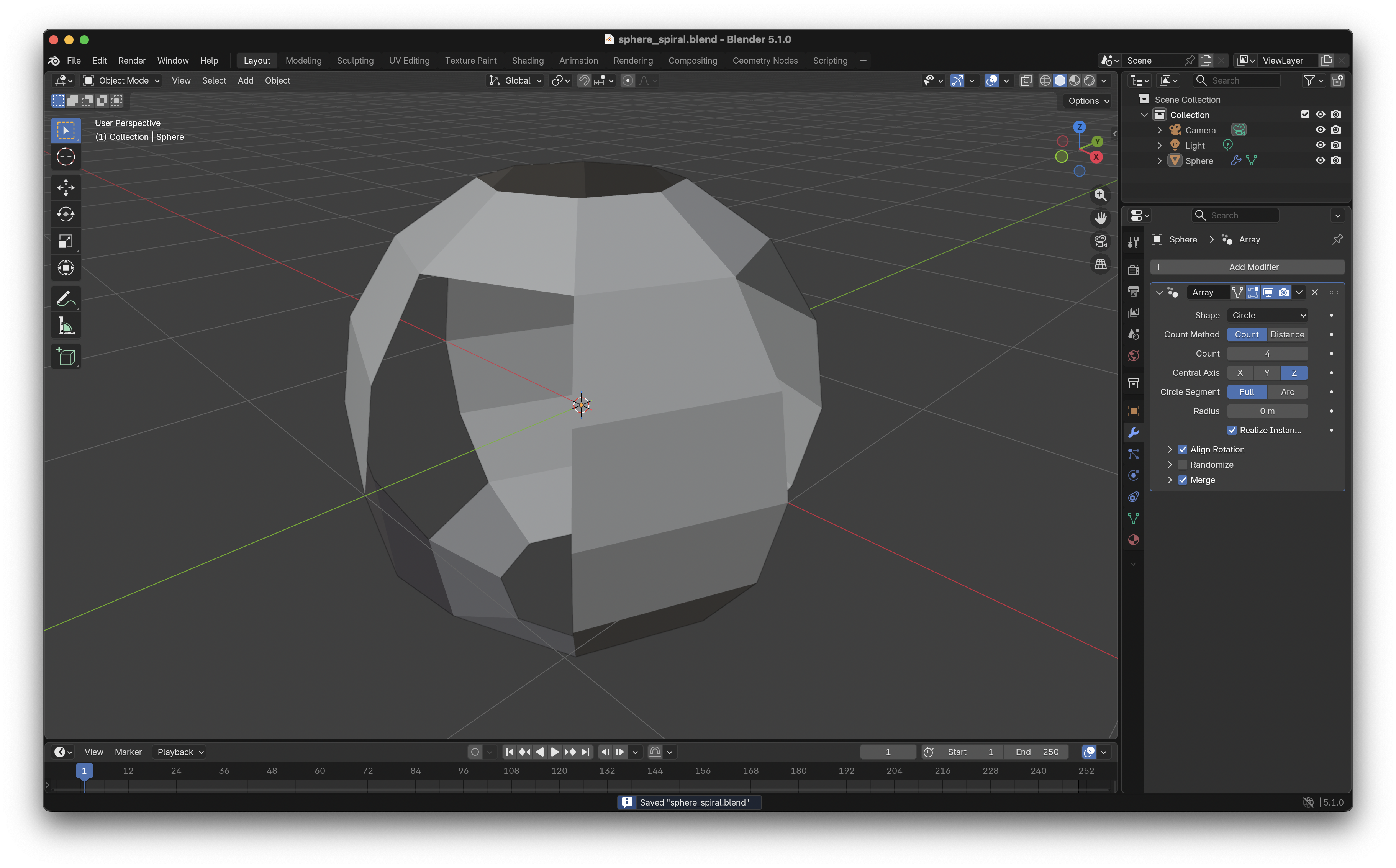
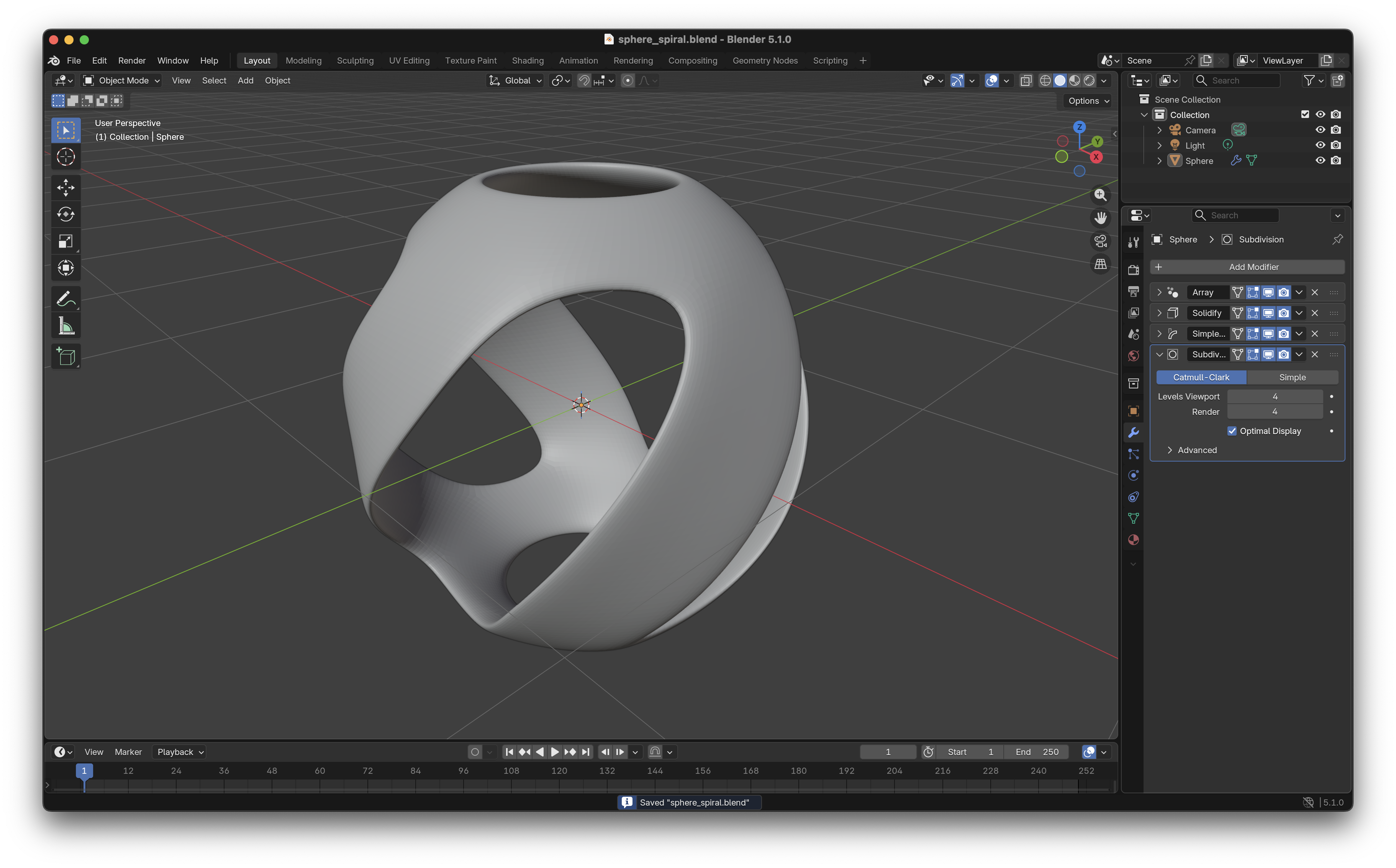
Step 5. Add the “Array” modifier. We want the shape to be a circle. Set the count to 4. Pick the Z axis. Enable merge. We now have 4 bands forming a sphere.
* * *
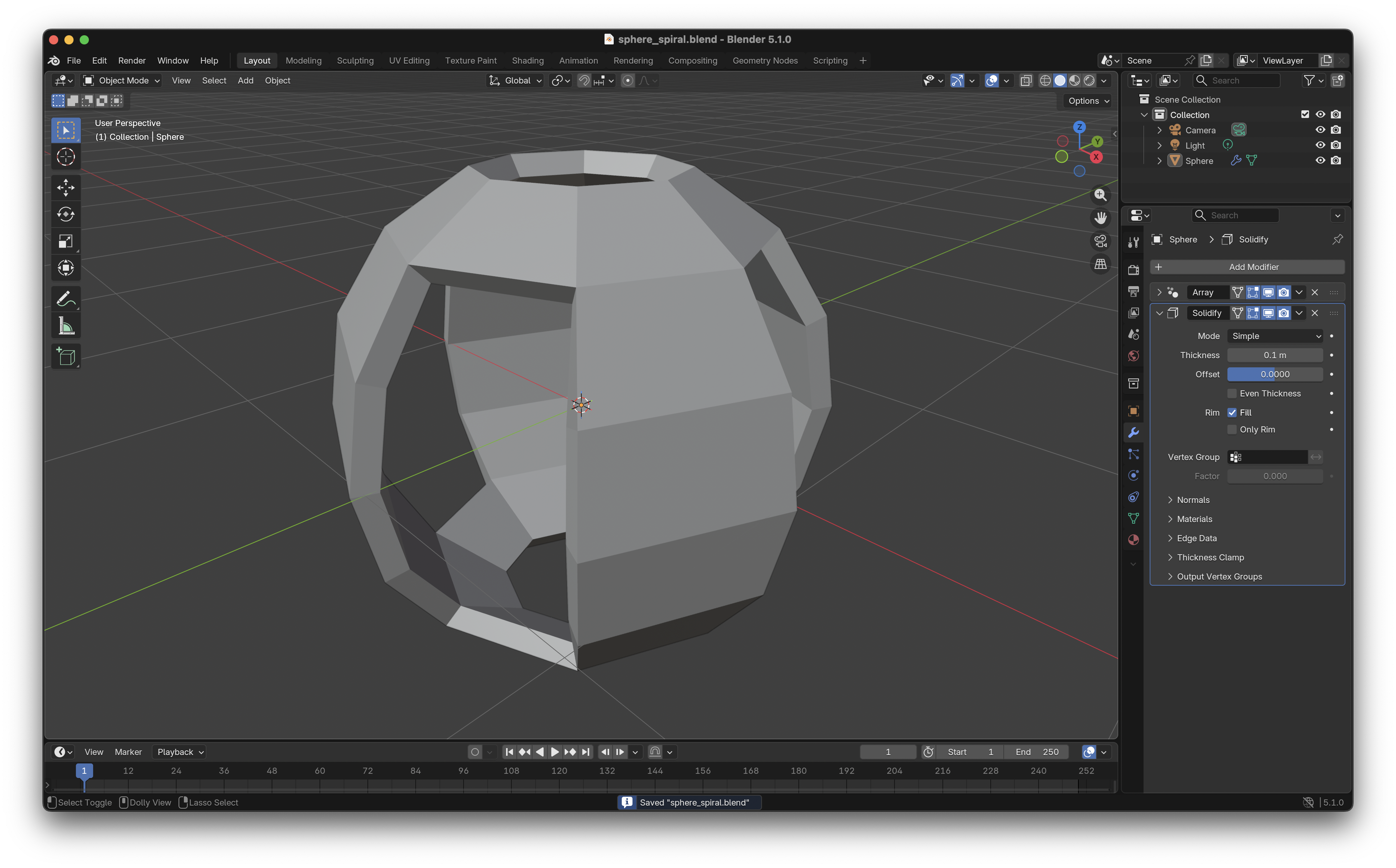
Step 6. Add the “Solidify” modifier. 0.1m thickness. Offset shouldn’t matter, I set it to 0.
* * *
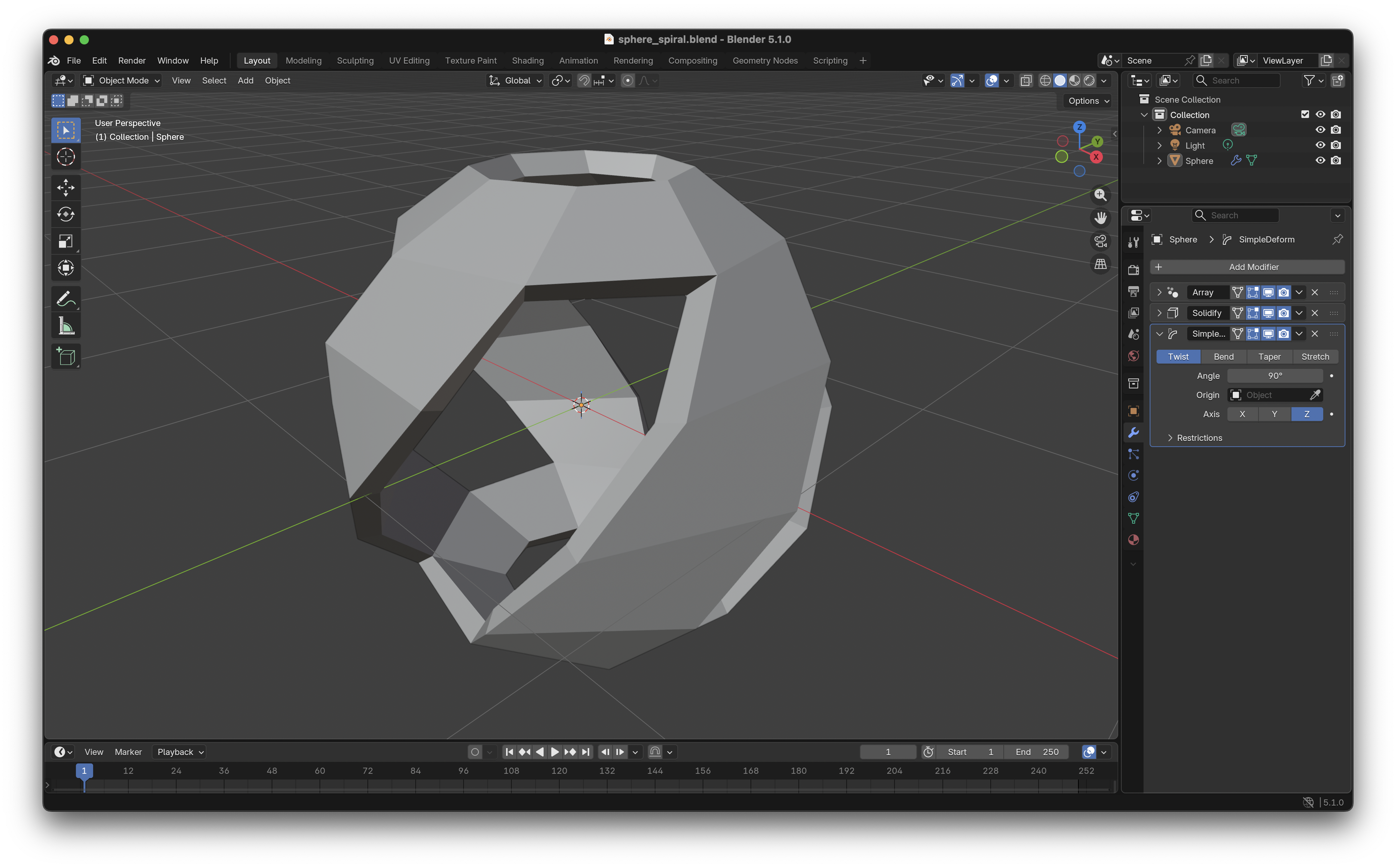
Step 7. Add “Simple Deform” modifier. 90degrees around the Z axis. Things are starting to look good.
* * *
Step 8. Add “Subdivision Surface”, pick levels 3-5 depending how smooth you want the sphere to look.
* * *
That’s it. The order of the modifiers is important. If things don’t look quite right, re-order the modifiers. You can also generate a UV sphere with a multiple of 6 and have 3 bands instead of 4 (or try other numbers).
These little spheres are fun to 3D print and turn into keychains. You can also make lamp shades. Leave the bottom filled to make a candle stand. Leave a complete opening at the top and pair two for a fidget toy.
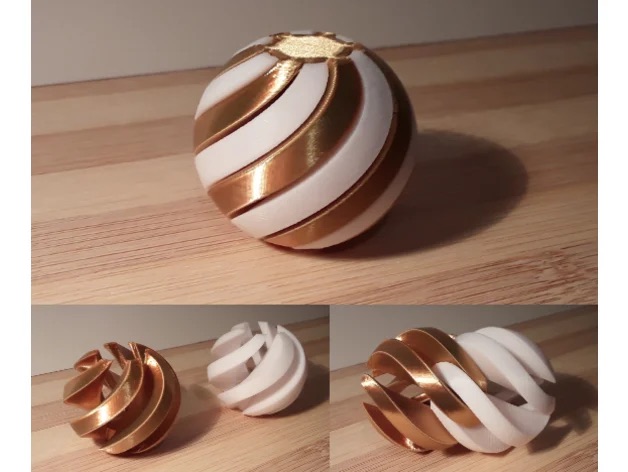 via https://www.printables.com/model/973881-fidget-spiral-sphere
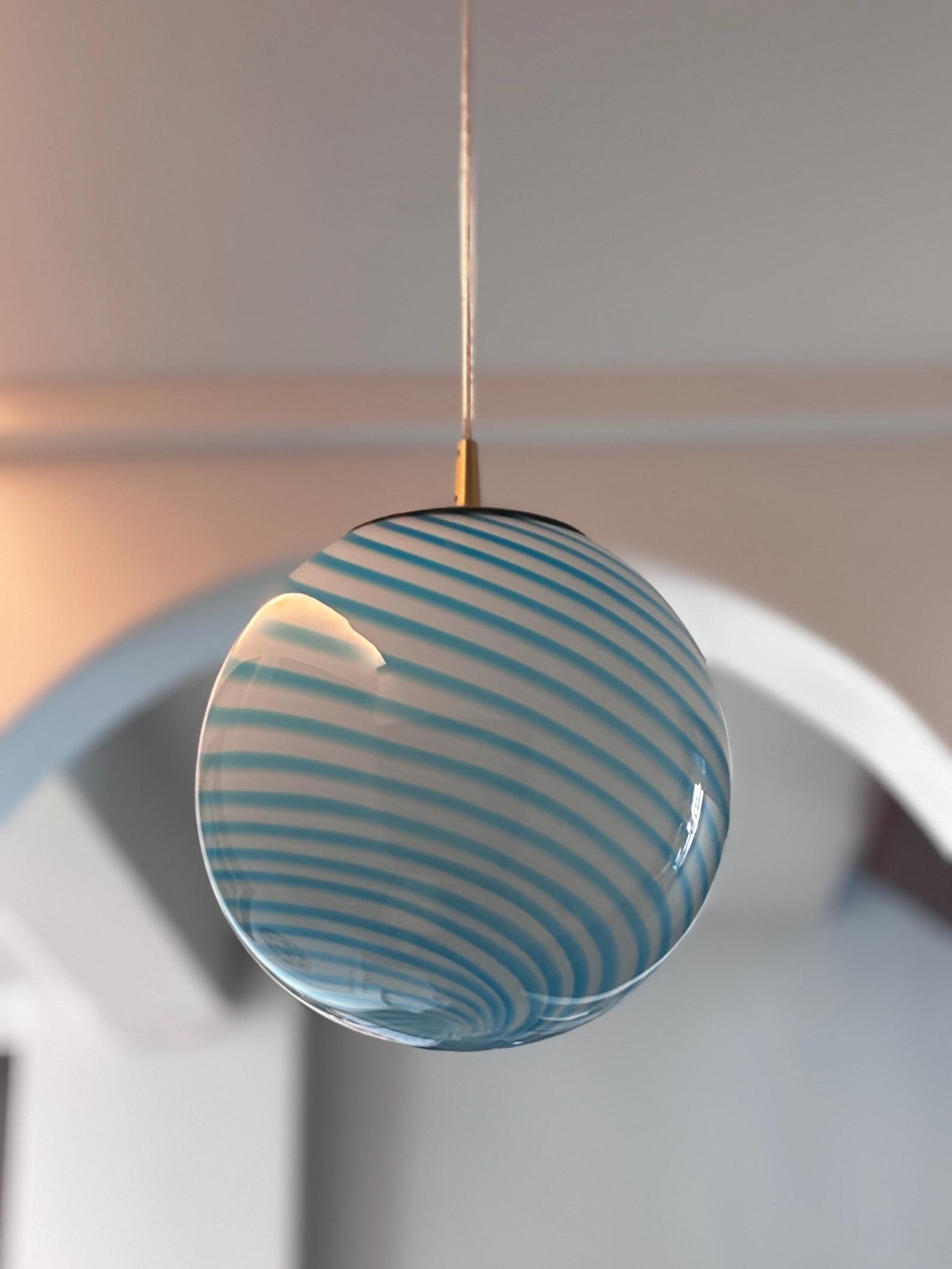 via https://www.etsy.com/ca/listing/1802486916/hand-blown-glass-globe-pendant-light